Admin
Admin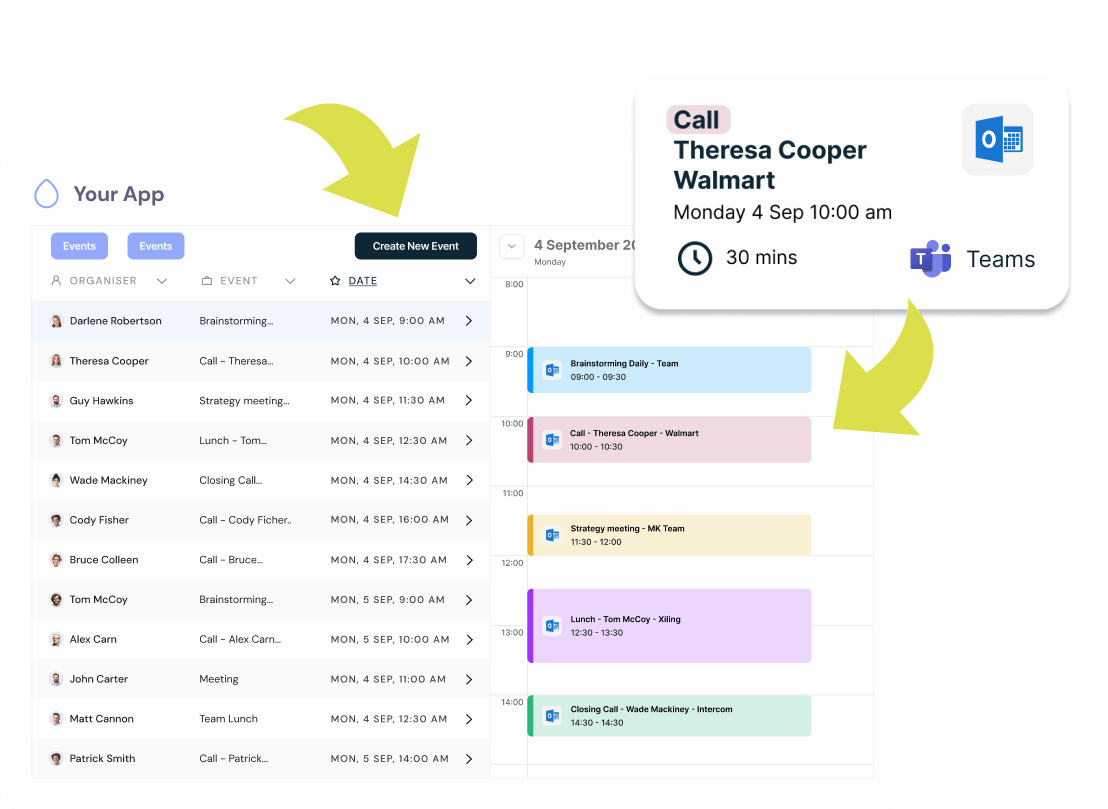
The Outlook Calendar API, developed by Microsoft, empowers developers to integrate advanced calendar capabilities into their applications. This integration boosts efficiency, automates reminders, and streamlines calendar management.
You can learn more about this process in the complete guide on Outlook Calendar API integration.
By leveraging the Microsoft Graph API, developers can interact with users’ calendars, sync events, and dynamically create or modify them, ensuring smooth scheduling workflows and improved collaboration.
What Is the Microsoft Outlook Calendar API?
The Outlook Calendar API, part of Microsoft Graph, offers access to Microsoft calendar data. It enables developers to create, update, and delete events, manage attendees, and handle recurring meetings while maintaining time zone accuracy. With structured data compatibility, it ensures seamless integration across Microsoft platforms and other connected systems.
Why the Outlook Calendar API Matters for Developers
Integrating this API allows software editors to embed robust scheduling functionalities within their apps, improving user experience and operational flow. Developers can automate recurring events, set reminders, and send invitations—turning their products into powerful productivity tools.
Key Features of the Outlook Calendar API
1. Event Management
Developers can programmatically create, edit, or delete events, ensuring users experience frictionless scheduling and updates.
2. Recurring Events
The API supports recurring events, helping users organize repetitive meetings effortlessly.
3. Custom Fields
Add details such as agendas, roles, or notes for better meeting context and management.
4. Real-Time Synchronization
Instant updates across all devices keep calendars accurate and consistent.
Benefits of Integrating the Outlook Calendar API
Improved Productivity
Automation minimizes manual input, allowing teams to focus on high-value tasks.
Unified View
Combine multiple calendars into one centralized interface for simplified management and collaboration.
Enhanced Notifications
Send real-time alerts and reminders for meetings, deadlines, and rescheduling updates.
How to Get Started
To use the API, developers must register an app in Microsoft Azure, configure OAuth 2.0 authentication, and obtain access tokens. This ensures secure communication between their application and Microsoft services.
Unipile Makes Outlook Calendar Integration Effortless
Unipile simplifies the Outlook Calendar API connection through a one-link hosted authentication system, removing the complexity of manual OAuth setup.
- Hosted Auth Flow: Redirect users to a secure Unipile page for instant permission management.
- Automatic Account Detection: Automatically recognizes Microsoft accounts for seamless setup.
- Secure Token Handling: Unipile provides OAuth credentials safely, enabling event management without friction.
- Unified Integration: Connect both Outlook and Google Calendars in a single, synchronized environment.
This streamlined process allows software publishers to implement the Outlook Calendar API quickly and securely.
Unipile vs. Direct Integration
Self-integration can be time-consuming and complex, requiring developers to manage tokens, permissions, and ongoing maintenance. Unipile removes these hurdles with ready-to-use authentication, live support, and continuous updates—reducing development time and ensuring a secure, scalable setup.
Developer Support and Maintenance
Unipile provides dedicated technical support, API documentation, and regular updates to maintain high performance and compliance with Microsoft’s standards. Teams benefit from:
- Live assistance during setup and testing.
- Proactive maintenance to keep APIs secure and reliable.
- Integration guidance for best practices and scalability.
Conclusion
Implementing the Outlook Calendar API via Unipile allows developers to build feature-rich scheduling systems without the technical burden of direct integration. By connecting calendars, automating events, and syncing in real-time, Unipile helps software publishers deliver seamless and productive user experiences.
FAQs
1. What is the Outlook Calendar API used for?
It enables apps to create, manage, and sync events directly within Microsoft Outlook calendars.
2. How does Unipile simplify integration?
Unipile handles authentication, syncing, and permissions, so developers can focus on functionality instead of setup.
3. Can I integrate both Google and Outlook calendars?
Yes, Unipile supports unified integration for both, ensuring cross-platform synchronization.
4. Is OAuth 2.0 required for authentication?
Yes, OAuth 2.0 ensures secure access and data protection for all API interactions.
5. What features can I automate using the API?
You can automate event creation, reminders, and recurring meetings.
6. How do I start using the Outlook Calendar API?
Register your app in Azure, configure OAuth 2.0, or simplify the process using Unipile’s hosted authentication.
Read More Gorod