2Q-Solution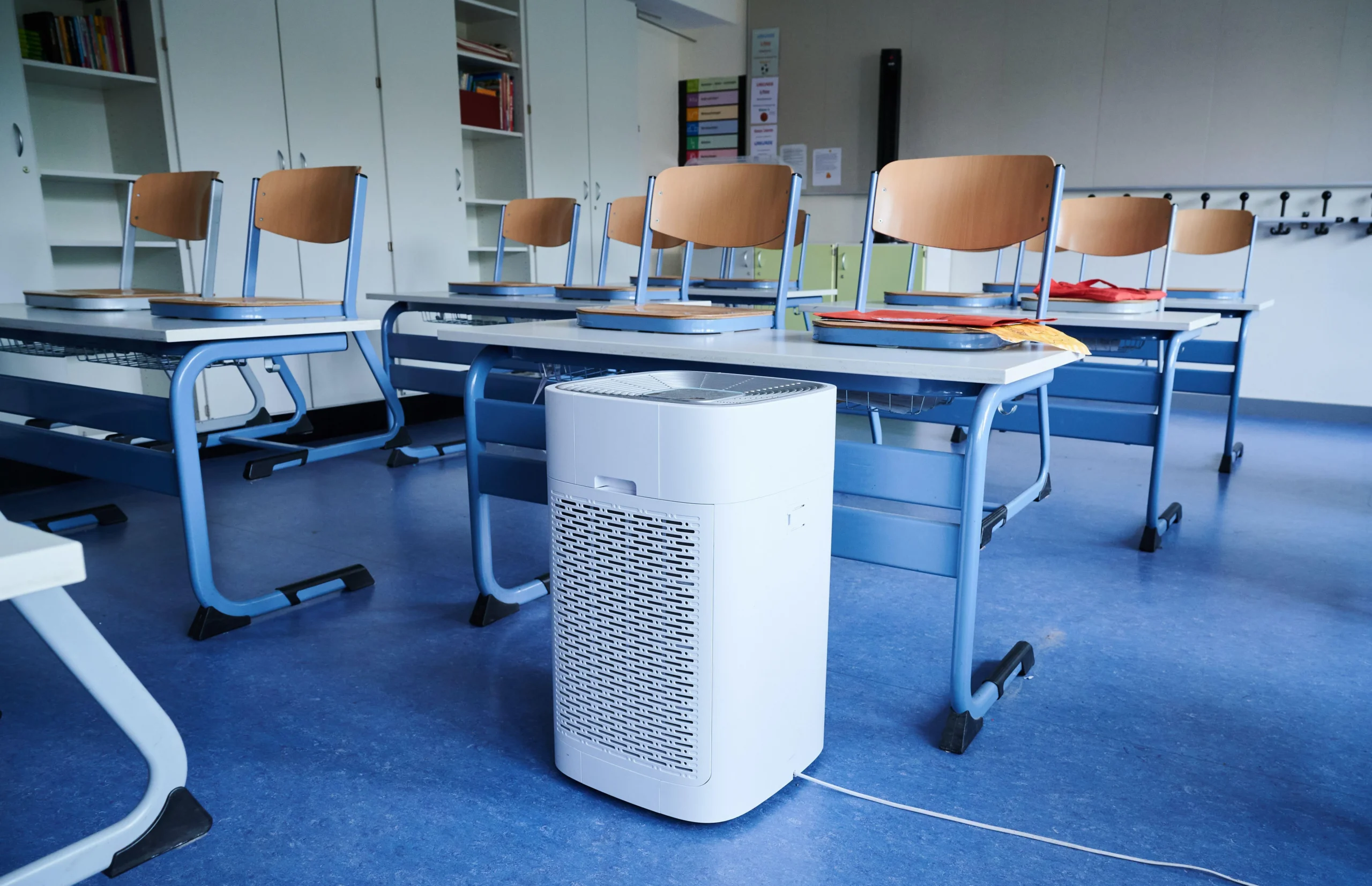
Whether you’re a remote worker by choice or necessity, creating a comfortable and efficient home office is crucial to maintaining both productivity and well-being. When you spend hours at home every day, you may not always notice how your environment impacts your health, productivity, and overall comfort. However, there is one element that is often overlooked-indoor air quality.
Poor air quality, whether it’s too dry, too humid, or improperly ventilated, can have a significant effect on your performance and well-being. From dry eyes and headaches to lack of focus and fatigue, the wrong indoor environment can hinder your efficiency and cause discomfort. This is where proper monitoring and control of your home’s temperature and humidity can make all the difference.
In this article, we’ll explore why indoor air quality matters for remote workers, how to create a healthier working environment, and how an Indoor Hygrometer Thermometer can help you optimize your home office conditions.
Why remote workers care about indoor air
Remote workers often spend 8–10 hours a day in the same space, so small comfort issues add up quickly. When the room is too hot, too cold, too dry, or stuffy, people report more headaches, eye strain, fatigue, and difficulty focusing.
Common pain points for home-office workers include:
- Dry, heated air that causes scratchy throat, dry eyes, and tight skin in winter.
- Feeling sleepy or foggy in the afternoon because the room is warm and poorly ventilated.
Not knowing whether the environment is actually “good enough” for focused work, or just tolerable.
Research on remote workers shows that indoor environmental conditions, especially thermal comfort and air quality, can directly impact cognitive performance, reaction time, and complex thinking. That means the quality of your indoor air is not just about comfort; it is tied to how well you work.
What is ideal temperature and humidity for a home office?
Healthy indoor air quality has many components, but temperature and humidity are two that remote workers can control easily. When these are in the right range, the room feels more comfortable, breathing is easier, and your body doesn’t have to work as hard to stay balanced.
For most home offices, experts commonly suggest:
- Temperature: Around 71–72°F as a comfortable starting point for focus and productivity.
- Humidity: Typically in the 40–60% range for health, comfort, and good air quality.
Within this zone:
- Air feels neither too dry nor too sticky, which helps reduce eye irritation and respiratory discomfort.
- Static electricity, dry skin, and sore throats are less frequent, especially in heated winter homes.
- You are less likely to feel drowsy or sluggish from stuffy air, which supports better concentration.
If humidity falls below about 30%, it can increase dryness in the eyes and mucous membranes; if it climbs much above 60–65%, it can encourage mold or dust mites that also affect comfort and health.
Simple ways to improve home-office air
Once you know the target range, you can improve your home-office environment with a few straightforward steps. The goal is a space where you can sit for hours without feeling drained, dizzy, or irritated.
Practical tips for better air quality:
Adjust heating and cooling: Keep your home office near that 70–72°F zone instead of swinging between too hot and too cold.
Manage humidity:
- Use a humidifier in winter if humidity is consistently low.
- Use a dehumidifier or stronger ventilation if humidity is too high.
Improve ventilation:
Open windows briefly when outdoor air is reasonable, or use an exhaust fan or air purifier to reduce stuffiness and indoor pollutants.
Add plants thoughtfully:
A few houseplants can make a space more pleasant and may help with perceived air quality, even if their direct impact on pollutants is limited.
Take movement breaks:
Short breaks to stretch, walk, and look away from the screen help offset the physical strain of sitting in one micro‑climate all day.
However, it is difficult to guess whether your room is in a healthy range just by feel. A dedicated indoor thermometer–hygrometer gives objective numbers so you can link how you feel to actual temperature and humidity levels.
Why a Bluetooth hygrometer is useful for remote workers
For people who care about comfort and efficiency, an indoor thermometer–hygrometer acts like a dashboard for the home office. Instead of guessing “it feels dry” or “it seems warm,” you can see exactly what is going on and adjust quickly.
Key benefits for remote workers:
- Real-time feedback: You can confirm whether discomfort comes from low humidity, high temperature, or both, and fix the right problem.
- Trend awareness: Tracking data over hours or days helps you see patterns—like a daily afternoon temperature spike that coincides with your energy crash.
- Smarter device use: Instead of running a humidifier or heater blindly, you can fine‑tune them to hold a stable, comfortable range.
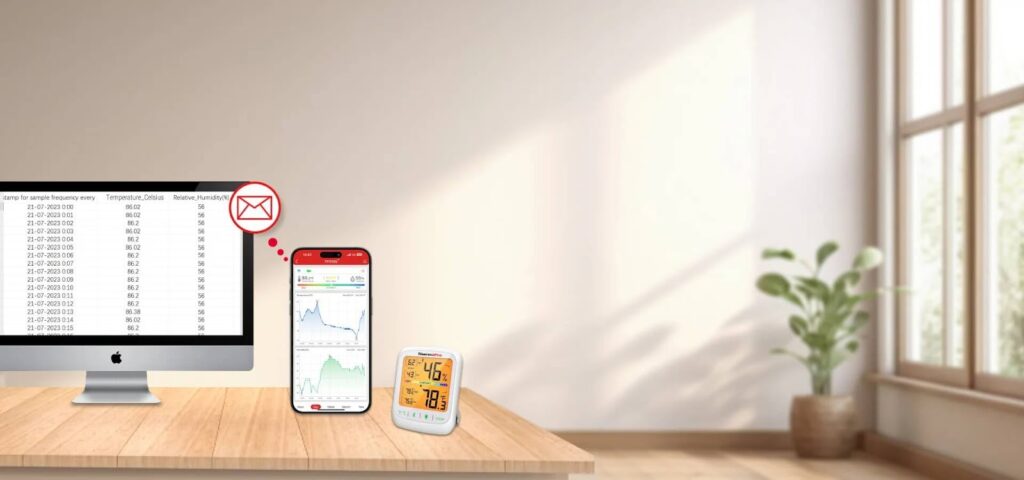
Bluetooth models are especially convenient because they can send data and alerts to your phone, letting you monitor not only your office but other rooms (bedroom, kids’ room, basement) from one app. The ThermoPro TP358 Bluetooth Indoor Thermometer Hygrometer is designed to measure both temperature and humidity accurately, with readings you can view on a clear LCD screen or via a smartphone app. With a Bluetooth range of up to about 260 feet in open conditions, it can easily cover a typical home or apartment.
Key features remote workers will appreciate:
- High accuracy and fast updates: The ThermoPro TP358 uses a Swiss-made Sensirion sensor for precise readings, with temperature accuracy around ±0.9°F and humidity accuracy about ±2% RH, refreshing every 10 seconds.
- Clear comfort indicators: The display shows whether conditions are Dry, Comfort, or Wet at a glance, alongside current temperature, humidity, time, and date.
- Long-range Bluetooth 5.0: A strong 260ft signal (in unobstructed conditions) lets you check conditions from another room using the ThermoPro sensor app.
- Custom alerts: You can set your preferred temperature and humidity ranges and receive instant notifications if your office goes outside those limits.
- Data history and graphs: The app stores up to a year of readings, letting you view 24-hour, weekly, or yearly trends to understand how your environment behaves.
This combination of precision, wireless monitoring, and easy-to-read visuals makes the ThermoPro TP358 a practical “control center” for your indoor comfort.
Why ThermoPro TP358 fits home-office life
For people working from home, the ThermoPro TP358 is not just a gadget; it becomes part of a daily routine that protects both comfort and performance. By turning invisible environmental factors into clear numbers and alerts, it makes it easier to keep your workspace in a healthy, productive zone.
How it helps remote workers in real life:
- Build a personal comfort profile: Over time, you can see which temperature and humidity ranges match your best focus and energy, then set alerts around those levels.
- Reduce headaches and eye strain: By keeping humidity and temperature in a stable range, you lower the chance that dry air or overheated rooms trigger discomfort and distraction.
- Coordinate all your devices: Use TP358 data to fine-tune your thermostat, humidifier, fans, or air purifier, rather than constantly adjusting them by guesswork.
Final Thoughts
As a remote worker, your home office is more than just a space to get work done, but it’s where you spend the majority of your time. Creating an environment that supports both your health and productivity is essential. By using tools like the ThermoPro TP358 Bluetooth Indoor Hygrometer Thermometer, you can ensure that your indoor air quality is optimal for comfort and efficiency, no matter the season.
With accurate monitoring of temperature and humidity, you’ll be able to create the perfect working environment, reducing discomfort, improving focus, and boosting your overall well-being.