
 Khizar Seo
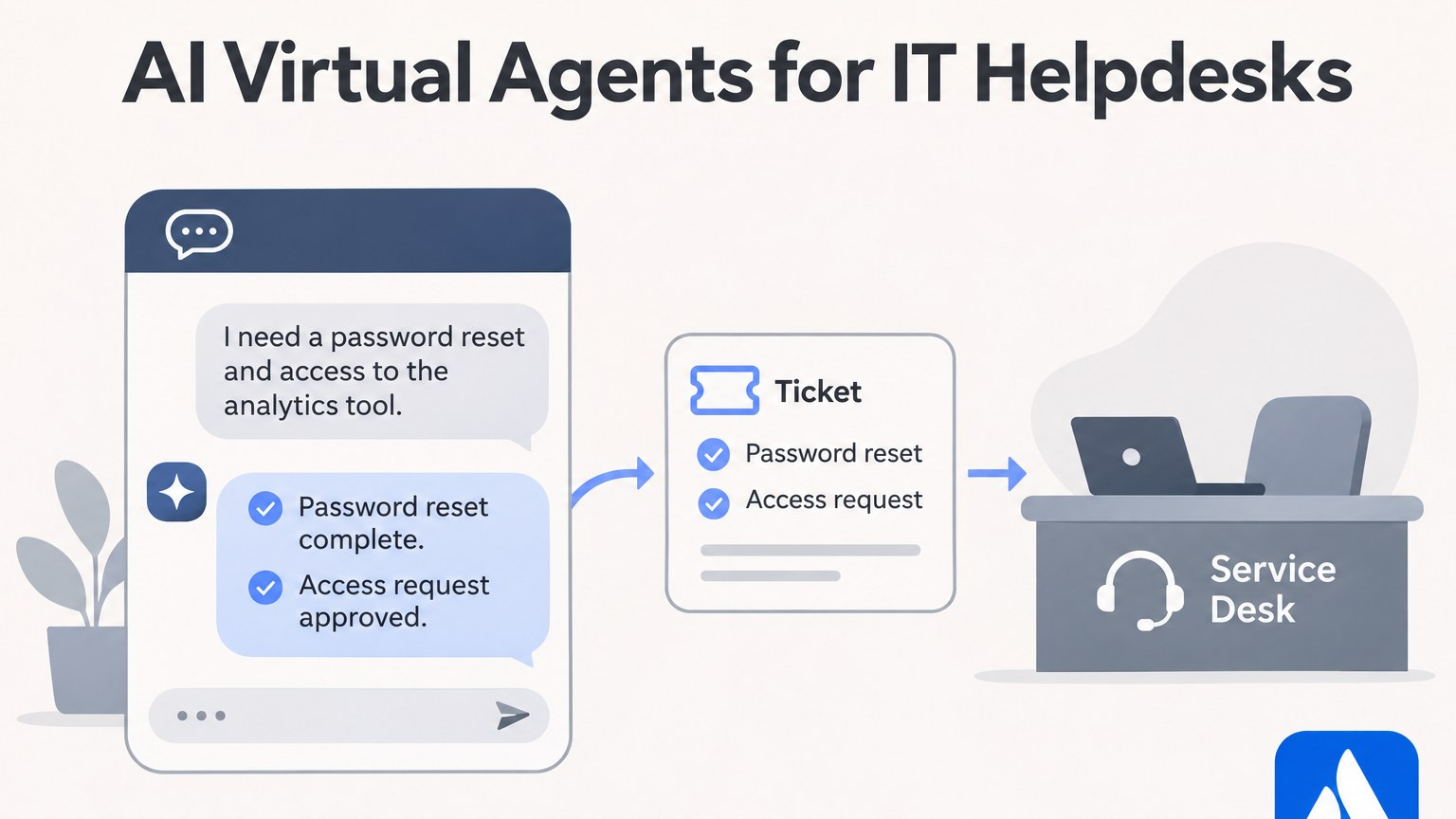
Ask any IT helpdesk what fills its Jira queue and the answer is rarely hard problems. It is “I’m locked out”, “can I get access to the finance drive”, “how do I connect to the VPN” and “any update on my laptop?”. These requests arrive in Slack, Teams, email and the portal, and someone has to retype half of them into Jira Service Management (JSM).
An AI virtual agent should take that first layer off your team. Some answer questions, some carry out the change in your identity system, and some do both. Below are seven options that work with Jira, with what each handles well for IT and what it costs according to the vendor’s own pricing page.
Side-by-side
| Tool | Best for | Starting price |
| eesel AI | Triage and answers inside the JSM queue | $299/month for 500 credits |
| Workativ | Password resets and access requests in chat | $349/month |
| Rezolve.ai | Teams-first IT help with built-in actions | Contact sales |
| Siit | Slack or Teams intake synced to JSM | $23 per admin/month |
| Atomicwork | Outcome-priced IT automation | $25,000/year |
| JSM virtual service agent | Premium sites with docs in Confluence | Included in Premium, usage on top |
| Moveworks | Global enterprises | Contact sales |
1. eesel AI: best for clearing the JSM queue itself
eesel AI works where your IT agents already work: on the request in JSM. Once connected with your Atlassian site, an account email and an API token, it creates a Jira automation rule and runs on every new request and every new comment.
For a typical IT desk that means a few things. “How do I set up the VPN on a Mac?” gets a reply on the ticket, written from your runbooks. “I need access to the billing project” gets labelled, given the right request type and assigned to the access team, with a short note that tells the agent what is needed. Agents still own anything risky, because each action can be set to run on its own, wait for approval, or stay off. eesel can also answer the same questions when people ask in Slack.
Its knowledge does not have to be in Confluence. It reads Confluence, Google Drive, Notion, uploaded files, your help center and how your team resolved past tickets, which matters on IT desks where the real fix often sits in a closed ticket from last spring.
Key features:
- Public replies or private notes on JSM requests, plus labelling, assignment and moving between queues.
- A replay mode that runs it over historical tickets so you can check answers before switching it on.
- More than 3,000 integrations, and custom API connections for internal tools like an asset database.
- Answers in over 80 languages, useful for global offices.
- The eesel CLI lets admins configure it and approve held actions from the terminal, and coding agents such as Claude Code, Cursor and Codex can drive setup through its JSON output. Changes appear in the dashboard too.
Pros:
- Runs on any JSM plan, including Standard.
- Learns from past ticket resolutions, not just written articles.
- Unlimited seats and one monthly price.
Cons:
- It does not connect to identity tools like Okta, so it routes password resets to a person instead of doing them.
- It is not available inside the JSM chat widget, it acts on requests and their comments.
Pricing: $299/month for 500 credits, $499/month for 1,000. A ticket or chat counts as one credit regardless of how it ends. A 7-day trial includes 100 credits.
2. Workativ: best for password resets and access requests
Workativ is aimed squarely at the tickets IT would rather never see. Its agent sits in Slack or Teams, in front of JSM, and handles resets, access requests and “what’s the status of my ticket?” using live Jira data.
Key features:
- Password resets and access requests completed in chat.
- JSM events trigger workflows in Okta, Azure AD and Workday.
- No-code builder for ticket creation and approval routing.
- Hands the conversation to a service desk agent when needed.
Pros:
- Changes are made in the identity system, not just logged.
- No per-user charges.
Cons:
- Sessions are capped by plan.
- Every plan starts with a demo call.
Pricing: $349/month on the Business plan, which covers 500 AI chat sessions. Enterprise is priced on request.
3. Rezolve.ai: best for Microsoft Teams-first IT
Rezolve.ai offers Sidekick, an AI front door on Teams, Slack, email, web and phone. It answers from knowledge you approve, cites its sources, and can carry out the task, such as resetting a password or provisioning software. It can run as the AI layer on your existing desk, with two-way sync to JSM requests and incidents.
Key features:
- Two-way JSM sync for requests and incidents.
- Password resets and software provisioning from chat.
- A record of how each request was classified and routed, useful for audits.
- 150+ connected tools.
Pros:
- Strong fit for companies that run on Microsoft Teams.
- Explains its decisions step by step, which helps in regulated industries.
Cons:
- No public pricing.
- It can also act as a full service desk, so make sure you only pay for the AI layer if that is all you need.
Pricing: Contact sales.
4. Siit: best for Slack or Teams intake
Siit turns Slack and Teams into the intake channel for IT. Each chat request syncs to a JSM ticket, and agent replies in Jira post back to the thread, so employees never open the portal.
Key features:
- Two-way sync with JSM Cloud.
- AI actions in Okta, Entra, JumpCloud and device management tools.
- Pulls answers from Slab, Notion or Confluence.
Pros:
- Removes the “please raise a ticket” step.
- Good G2 reviews.
Cons:
- AI is on the Pro tier.
- JSM Cloud only.
Pricing: Essentials $23, Standard $45, Pro $89 per admin/month, billed annually.
5. Atomicwork: best for paying per completed task
Atomicwork is an AI-first service platform that connects to Jira. Requests raised in Atomicwork can create Jira issues automatically, and staff can add or remove users from Jira projects from Slack or Teams.
Key features:
- Chat, voice, email and portal channels.
- Jira access changes handled from chat.
- Outcome pricing: $1 per answered knowledge question, $2 per access request handled end to end.
Pros:
- You can tie spend to finished work.
- Covers devices and software access as well as answers.
Cons:
- It is a service platform in its own right, so it overlaps with JSM.
- Yearly minimums rule out small desks.
Pricing: Professional from $25,000/year, billed annually.
6. JSM virtual service agent: best if you are already on Premium
Atlassian’s own virtual service agent answers requests in Slack, Teams, the portal, email and an embedded widget. For a Premium IT team with well-kept Confluence pages, it is the least work to turn on.
Key features:
- Covers every JSM channel.
- Uses Confluence pages for AI answers.
- Works alongside Rovo search and summaries.
Pros:
- Nothing to buy or install.
- Native to Jira.
Cons:
- Requires Premium or Enterprise.
- Weak when your fixes live outside Confluence.
Pricing: Premium is listed at $55.28 per agent/month and includes 1,000 assisted conversations a year, then from $0.30 each.
7. Moveworks: best for global enterprises
Moveworks, now part of ServiceNow, lets employees raise, update, resolve and reopen JSM tickets from its assistant, alongside a large catalogue of IT and HR actions.
Key features:
- JSM ticket handling from chat.
- Wide set of enterprise actions.
- Enterprise security certifications.
Pros:
- Built for very large workforces.
- Deep system coverage.
Cons:
- Heavy setup with a service account, Marketplace app and workflow changes.
- ServiceNow ownership may not suit a long-term Jira plan.
Pricing: Contact sales.
Choosing an AI agent for your IT helpdesk
- Pull your last 300 IT tickets and tag each as “answer”, “action” or “needs a person”. The biggest pile tells you what kind of agent you need.
- If “action” wins, shortlist tools with Okta or Entra connectors, such as Workativ, Rezolve.ai or Siit.
- If “answer” wins and the knowledge is spread across tools and old tickets, a queue-based agent like eesel AI will cover more.
- Match your chat tool. Teams-heavy companies should check Teams support in a trial, not on a feature page.
- Many teams pair the two: a chat agent for resets, and a queue agent for everything that lands in Jira.
For step-by-step setup options on the Jira side, this walkthrough on how to add AI to Jira Service Management covers native and third-party routes.
FAQ
Can an AI agent reset passwords in Jira Service Management?
JSM itself does not reset passwords. Tools such as Workativ, Rezolve.ai and Siit do it by connecting to identity systems like Okta or Entra, then logging the result in Jira.
How do Slack and Teams requests get into Jira?
Siit, Workativ and Rezolve.ai sync chat requests to JSM tickets. Atlassian’s virtual service agent does this on Premium. eesel AI answers questions in Slack and handles the request once it reaches JSM.
What is a fair price for an IT virtual agent?
For a mid-size desk, expect a few hundred dollars a month for tools like eesel AI (299)orWorkativ(349). Platforms like Atomicwork start at $25,000 a year, and enterprise tools are quoted.